◎AI
LLM Video Understanding
A multimodal pipeline for smarter video metadata.
This project is a Python CLI tool that analyzes videos and their transcripts, detecting scene boundaries and key frames, and uses a vision-language model to generate structured summaries in JSON/Markdown format.
The Problem
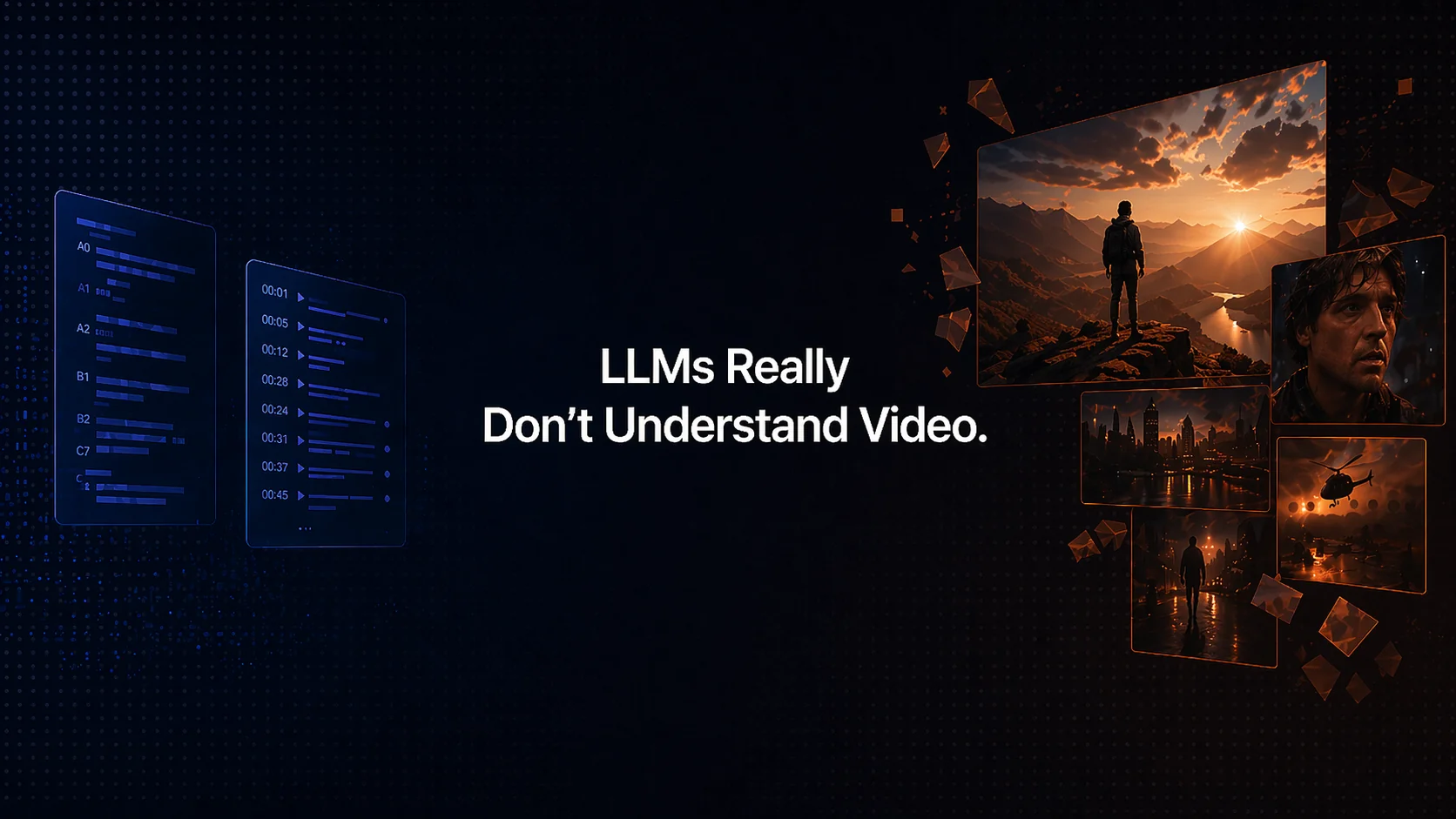
Current metadata tools lean on transcripts alone, so they ignore mood, pacing and what’s actually on screen. When large language models don’t have that context they tend to hallucinate or give generic suggestions because the input is incomplete
The Solution
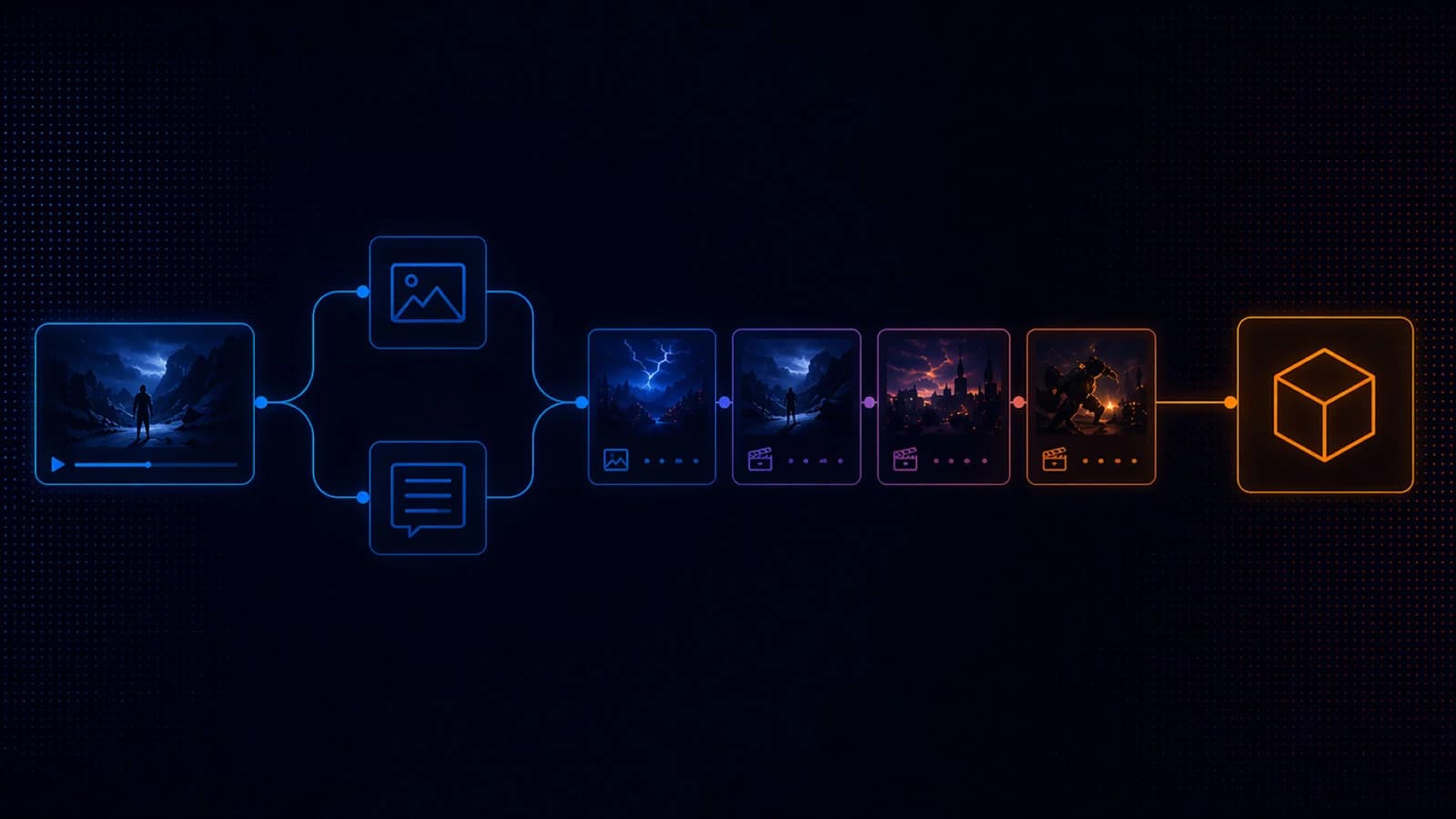
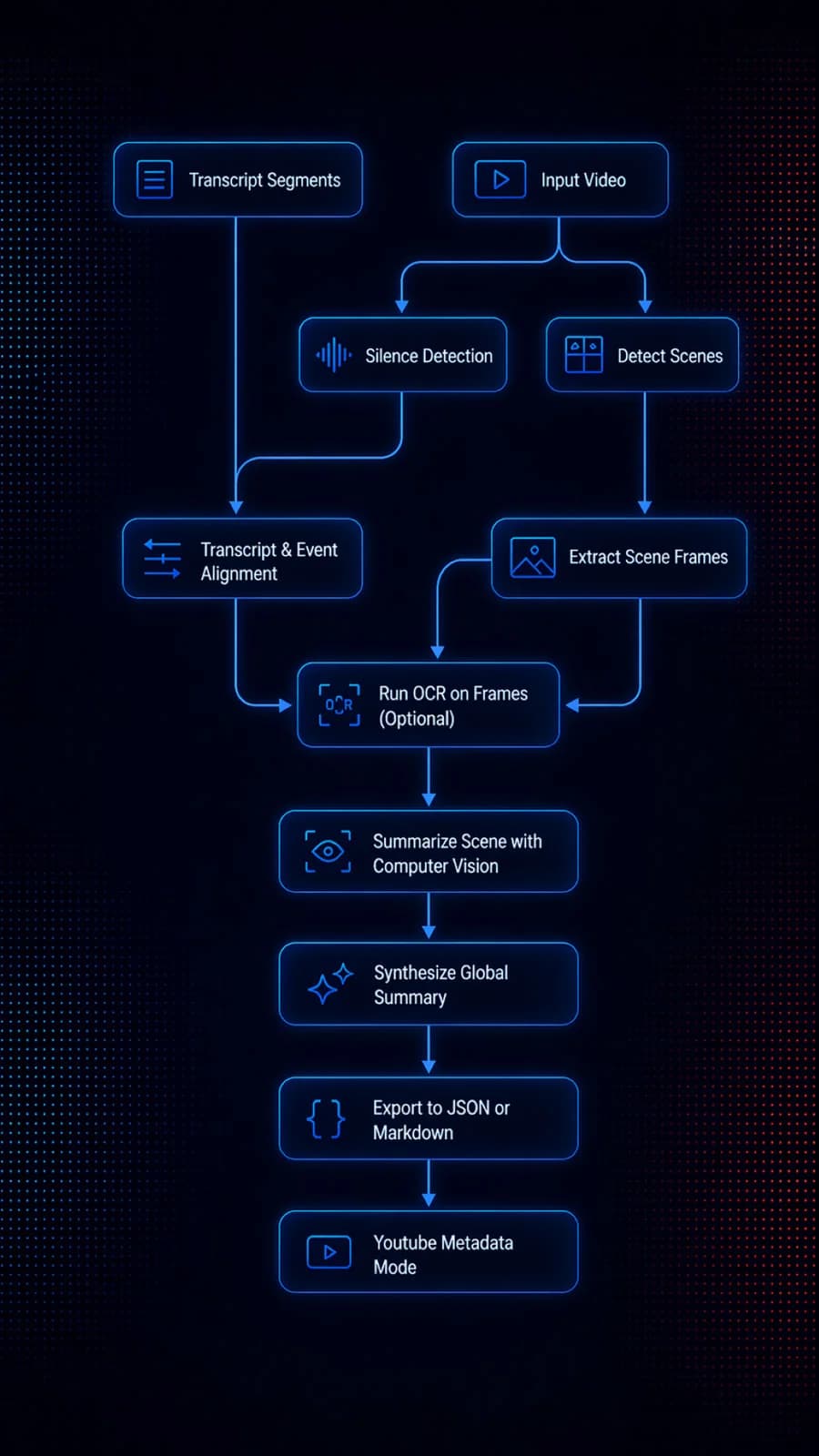
I prototyped a Python CLI that takes a video and its transcript, finds scene boundaries, grabs key frames, detects pauses and reads any on‑screen text. It then feeds each scene’s visuals and audio into a vision‑language model for a multimodal summary before synthesizing a global description. The output is a structured JSON/Markdown file that can be reused later.
What Inspired this Project
I’ve been producing YouTube content and built a basic optimization tool (Tubalytics) that works great when there’s lots of narration. But as soon as I tried silent or visually driven videos, it fell flat, so I had to manually add context. That pain point inspired this experiment.

Key Features
Scene detection with filtering: The script uses PySceneDetect to split videos into scenes and drops anything shorter than a preset threshold.
Adaptive frame sampling: It picks 1–4 representative frames per scene based on duration before calling ffmpeg.
Optional OCR with de‑duplication: EasyOCR reads on‑screen text and de‑duplicates repeated captions so the output isn’t bloated.
Audio pacing signal: Silence detection marks pauses and transitions in the audio track, helping the model understand pacing.
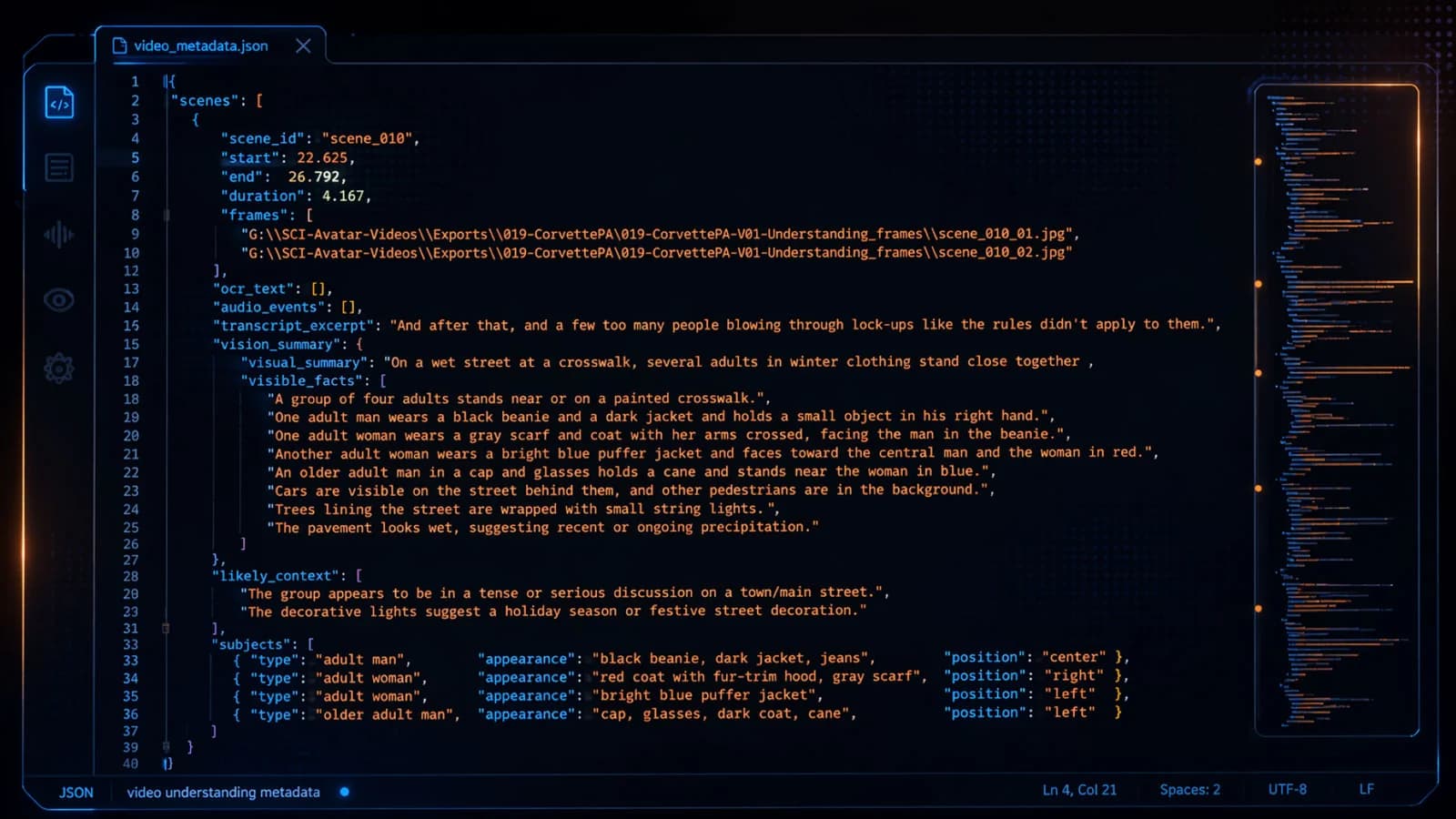
Scene-level multimodal summary: Each scene combines frames, transcript excerpts, OCR lines, and silence events, then feeds them to a vision‑language model that returns structured data like visible subjects, environment, and a summary.
Global summary synthesis: After all scenes are processed, a second pass produces an overarching description with fields like video type, tone, key visual beats and dialogue presence.
Flexible outputs: The understanding file can be saved as JSON for machine‑readable workflows or Markdown for human review.
Assumptions
I’m betting that mixing visual frames, audio cues and transcripts produces richer context than words alone. I assume one scene‑detection strategy will work for most videos and that even low‑dialogue footage still has enough visual information to be useful. And since it’s a grounding tool, not the final product, human review remains important.
Expected Outcomes
By grounding the model in both what’s said and what’s shown, I expect more accurate titles, descriptions and tags that capture the tone and visuals of a video instead of generic keywords. In theory this should improve discoverability and recommendations because the metadata actually matches the content.
Risks
The costs add up quickly on long or fast‑cut videos because each scene needs a vision‑model call. The current detection parameters may not handle avant‑garde editing styles, and videos with minimal speech or text still rely heavily on visual inference, which can be hit‑or‑miss. And because the summaries are compressed, some details might get lost.
Interested in this experiment?